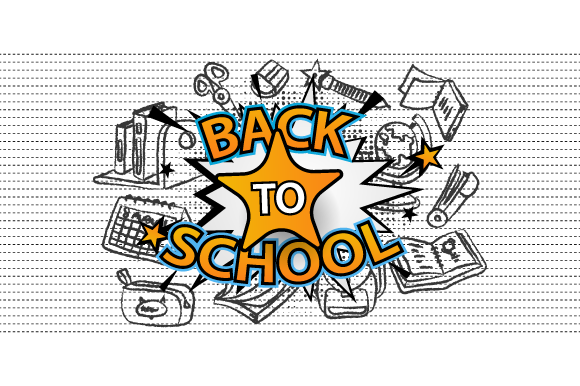
Designing Engaging Back to School Communications with a Versatile Banner Template Set
Every educator, parent, small business owner, or school administrator knows the rush that comes with the start of a new academic year. Whether you are preparing a warm welcome for returning students, promoting a back-to-school sale, or decorating a classroom, the visual materials you use set the tone. A Back to School Banner Design Template can streamline this process dramatically, allowing you to produce professional-quality banners, posters, and backgrounds without starting from scratch. Understanding what such a template offers—and how to make the most of it—can save hours of design time and ensure your message resonates with students, parents, and the community.
What a Back to School Banner Design Template Provides
A well-crafted template is more than a simple layout. It is a coordinated set of design files that give you flexibility across multiple media. The standard package includes four file formats: AI (Adobe Illustrator), EPS (Encapsulated PostScript), JPG, and PNG. Each format serves a distinct purpose, and knowing their strengths helps you choose the right tool for your specific project. The AI and EPS files are vector-based, meaning they can be scaled to any size without losing sharpness—essential for large banners or billboard-sized posters. The JPG and PNG files are raster images, ready for quick online use, social media posts, or small flyers where vector editing is not required.
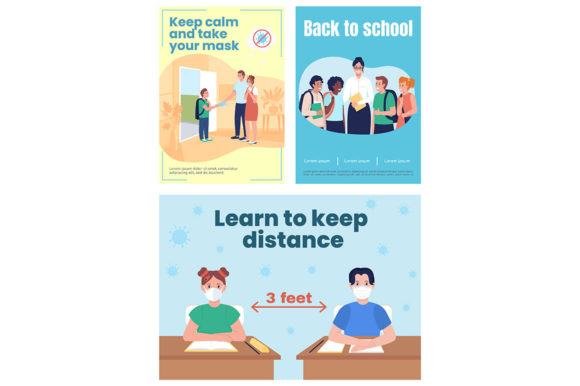
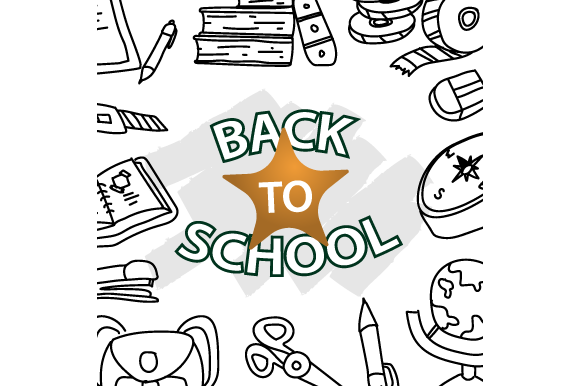
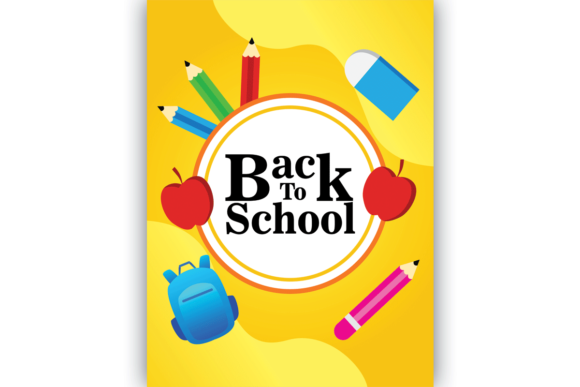
The template itself typically contains layers, color schemes aligned with the season, thoughtfully chosen typography, and graphic elements such as pencils, apples, school buses, or chalkboard textures. These elements are intentionally designed to evoke the excitement and energy of a new school year. Whether you are a seasoned graphic designer or a parent volunteer with limited software experience, the structured layout gives you a head start. You can swap out text, adjust colors, and insert your own photos or logos while keeping the overall composition professional.
Real-World Applications Across Different Audiences
The true value of a Back to School Banner Design Template becomes clear when you see how different people put it to use. Consider a principal preparing a hallway banner that reads “Welcome Back, Eagles!” With the AI file, she can open the template, change the school name, and print a large-format banner that matches the school’s exact brand colors. For a classroom teacher decorating a bulletin board, the PNG version can be resized and printed on standard paper, then cut and arranged to create a colorful background. A local bookshop running a back-to-school promotion can use the EPS file to create a window poster, ensuring the design looks sharp even at large sizes. The same template can even become the background for a digital newsletter sent to parents, using the JPG with its small file size and universal compatibility.
Hobbyists and creators also benefit. A parent organizing a community “Back to School Bash” can personalize a banner with the event date and venue, then share the JPG on social media and print physical copies for the neighborhood. A freelance designer might purchase the template once and use it as a starting point for several clients, customizing each version to match different schools’ mascots and color palettes. The versatility of the four file formats means the template adapts to your workflow, not the other way around.
Vector Precision for Professional Results
The AI and EPS files in the Back to School Banner Design Template set are resolution-independent. This characteristic is critical when your design needs to be enlarged for a gymnasium banner or a backdrop for a school assembly. A vector file retains crisp lines and solid colors at any scale, while a raster file would become pixelated. For professionals who need to output at 300 DPI for print, the vector format ensures the final product meets commercial printing standards. Furthermore, elements like text and shapes remain fully editable, so you can adjust kerning, change the font, or rearrange components without degrading the image quality.
Ready-to-Use Raster Files for Speed
Not every project requires a vector editor. Sometimes you need a quick, high-resolution image to upload to a website or include in an email blast. The JPG and PNG files serve that need perfectly. The JPG format is compressed and ideal for photographs or designs without transparency, while the PNG preserves transparency, making it perfect for overlaying on other backgrounds. For example, a teacher might use the PNG version of a “Back to School” graphic as a watermark on a class newsletter or as an image on a Google Classroom header. These raster files are pre-sized and optimized, so you can drop them directly into your project without further adjustment.
Unified Design Language
One of the strongest selling points of a coordinated template is visual consistency. The AI, EPS, JPG, and PNG versions are all derived from the same base design. Colors, fonts, and graphic elements are harmonized. When you use the template for a poster and then reuse the same design for a social media banner, your audience recognizes the cohesive message. This consistency builds trust and makes your communications look intentional—whether you are a school district sending out a calendar of events or a small shop hosting a sale. The template eliminates the guesswork of pairing colors and fonts, which is especially helpful for non-designers who want a polished look without trial and error.
Use Cases: From Classroom to Community
- School Welcoming Banners: Hang a large banner at the entrance of your school using the AI or EPS file sent to a professional printer. The vector format ensures every letter is legible from a distance.
- Classroom Door Posters: Use the JPG file to print a small poster welcoming students to your classroom. Laminate it for durability and reuse each year with updated text.
- Event Backgrounds: For a back-to-school night, project the PNG version (with transparency) onto a screen as a backdrop for presentations or photo booths.
- Digital Announcements: Resize the JPG for use in parent emails, Facebook posts, or Instagram stories. The small file size loads quickly on mobile devices.
- Promotional Materials for Businesses: Local stationery stores, tutoring centers, and uniform shops can customize the template to highlight their back-to-school offers, then print posters or use the EPS for large outdoor signs.
- Volunteer Recruitment Flyers: PTA members can edit the template in a free vector app (if they open the EPS) to call for volunteers, using the same design language as the main school campaign.
Practical Considerations When Using the Template
While the Back to School Banner Design Template set is designed for ease of use, a few considerations can help you get the best results. First, ensure you have the right software to access the AI and EPS files. Adobe Illustrator is the most common choice, but free alternatives like Inkscape or Affinity Designer can also handle EPS files. If you only need static images, the JPG and PNG files require no special software—any image viewer or basic editor will work. Second, check the color mode. AI and EPS files are often set to CMYK for print, while JPGs are typically RGB for screen. If you plan to print the JPG, convert it to CMYK in your image editor to avoid color shifts at the printer. Third, be mindful of resolution. The raster files are usually provided at 300 DPI for high-quality prints, but if you need to enlarge them significantly, you may see pixelation. In that case, switch to the vector version for scaling.
Another practical tip is to take advantage of the layered structure in the AI or EPS file. By hiding or showing different layers, you can create multiple variations of the same design—one for a classroom poster, another for a social media banner—without starting over. This workflow is especially useful for schools or businesses that maintain a consistent brand throughout the year. Finally, always do a test print before committing to a large run. Print a small portion of the template on your home printer to check colors and alignment, then send your finalized vector file to a professional printer for the final output.
Trends in Back to School Design and How the Template Aligns
Current design trends for back-to-school visuals emphasize bright but balanced color palettes, modern typography that is both playful and legible, and inclusive imagery. Templates that incorporate elements like diverse student characters, clean chalkboard textures, and vector icons that are scalable align with these trends. The four-file-format approach also mirrors industry moves toward cross-platform compatibility. As more school communications shift to digital-first strategies, having a PNG with a transparent background is invaluable. At the same time, the enduring need for print materials means the vector AI and EPS files remain essential for high-quality signage, banners, and handouts.
Observations from recent years show that schools and businesses alike value templates that can be quickly adapted for multiple uses. A single Back to School Banner Design Template that offers both print and digital variants reduces the workload on already busy staff. It also ensures that a visually appealing, on-brand message reaches students and families wherever they encounter it—on a wall, on a screen, or in a mailbox. The template essentially becomes a mini-brand system for your back-to-school campaign.
Comparing Template Formats: Which One to Use When
Understanding the strengths of each file type helps you make efficient choices. Use the AI file when you need complete control over every vector element and plan to output a print file at any size. Use the EPS file as a universal vector option that can be imported into many different programs, including older design software. Use the JPG for quick sharing on social media, email, or any scenario where file size matters and a transparent background is not needed. Use the PNG when you want to overlay the design on another image or background, such as a photo of a classroom or a website header. Many users end up using all four formats across a single campaign: AI for the main poster, EPS for backup, JPG for email blasts, and PNG for social media and website headers.
Tips for Educators and Non-Designers
If you do not have a background in graphic design, working with a template set might feel intimidating, but it is surprisingly approachable. Start with the JPG or PNG versions if you only need a quick result. Open the file in a simple image editor like Canva, Microsoft Paint, or even Google Slides, and add text boxes on top. For more extensive customization, download a free vector viewer or editor. Many schools have access to Adobe products through educational licenses, but if not, free tools like Gravit Designer or Canva’s vector features can open EPS files. The key is to keep the original template unchanged—always save your modifications as a new file. That way, you can always return to the clean base template for future projects.
Another tip: use the template as a background rather than a full banner. Sometimes the graphic elements (such as chalkboard frames or school bus silhouettes) work perfectly as a backdrop for a schedule or a list of classroom rules. The layered vector format makes it easy to remove or highlight specific elements. For instance, you might isolate the apple icon from the AI file and use it as a standalone decoration on a homework pass. The template’s components are designed to be versatile, not just for one-off banners.
Making the Most of Your Investment
Because the template comes in multiple formats, it can be used year after year with only text or color updates. Store the AI and EPS files in a dedicated folder, and each August, you can open the master design, change the year or the event details, and export fresh JPGs and PNGs for the new season. This repurposing makes the template a long-term asset for any organization that runs recurring back-to-school campaigns. The original design investment pays for itself quickly when you no longer need to hire a designer or spend hours creating visuals from scratch.
For businesses that sell educational materials or school supplies, the template can also serve as a foundation for seasonal marketing collateral—email headers, coupon graphics, in-store signage, and social media cover photos. The consistency across formats builds brand recognition. When a parent sees the same colors and style on a store poster and on a Facebook ad, they associate the visual identity with the shopping experience, which can drive foot traffic and online engagement.
In summary, a Back to School Banner Design Template that includes AI, EPS, JPG, and PNG files is a comprehensive solution for communicating the excitement and importance of the new academic year. Whether you are designing a welcome banner for a school hallway, a promotional poster for a community event, or a digital background for a classroom website, the template saves time, ensures visual coherence, and adapts to both professional and casual workflows. By understanding the strengths of each file format and thinking creatively about how to apply the design beyond a single banner, you can maximize the value of this resource and create memorable, effective back-to-school communications.