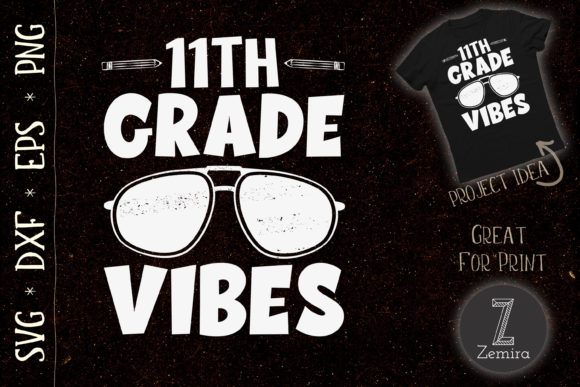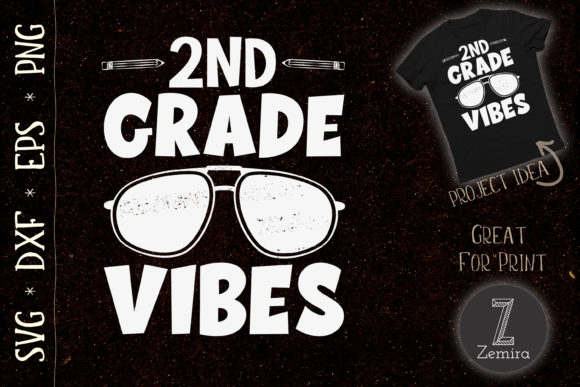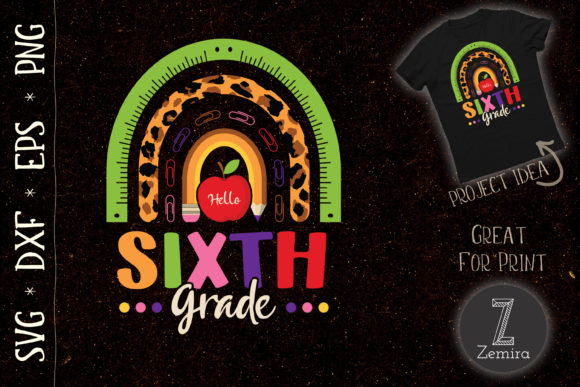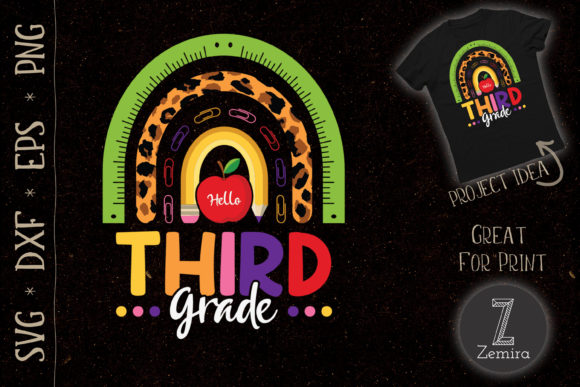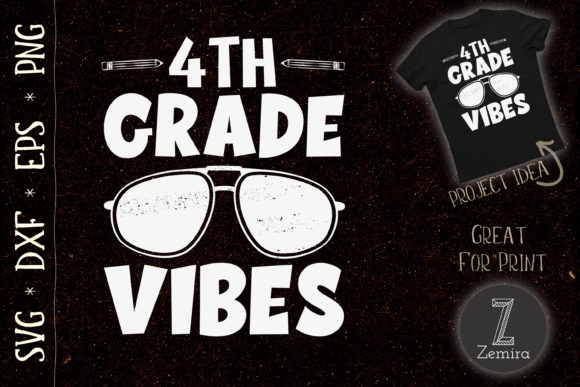
4th Grade Vibes Teacher: Crafting Back-to-School Magic
There is a special energy around the start of a new school year, especially in fourth grade. Students are old enough to have real independence but still young enough to show genuine excitement. For educators, it is a moment to set the tone. For creators and small business owners, it is an opportunity to produce meaningful, personalized items. The Back to School 4th Grade Vibes Teacher design captures this exact moment, giving you a versatile tool for endless projects.
This design comes as a set of four file formats: an SVG file for Cricut Explore and Silhouette Designer Edition, a DXF file for Silhouette users with free software, an EPS file for Adobe Illustrator and Corel Draw, and a high-resolution 300 DPI PNG with a transparent background. Whether you are a seasoned designer or a hobbyist just starting out, these formats make the design accessible and ready to use. Let’s explore how you can turn this simple graphic into something truly useful.
What Makes This Design So Useful
The appeal of this design lies in its focus on a specific grade level and the positive, energetic vibe it conveys. It is not just a generic back-to-school graphic. It speaks directly to fourth-grade teachers, students, and parents. This specificity makes it stand out. When you choose to work with this design, you are not just making a craft; you are sending a message that you understand the unique place fourth grade holds in a child’s school journey.
The graphic itself is clean, bold, and versatile. Because it is provided in multiple vector and raster formats, you can scale it to fit a tiny keychain or a large poster without losing quality. The transparent background in the PNG file means you can layer it onto any color or pattern seamlessly. This flexibility is what makes the design valuable for both personal projects and for resale or gifting.
Creative Project Ideas for Every Platform
Think beyond the standard t-shirt. While apparel is a natural choice, this design works on a surprising variety of surfaces. Here are some practical, realistic applications that can help you get the most out of your files.
- Classroom Décor: Use the SVG to cut vinyl and create a large wall decal for a classroom door or reading corner. A bold 4th Grade Vibes sign immediately sets a welcoming tone for students and visitors. Pair it with a simple color palette like bright teal or cheerful yellow to keep it visually appealing.
- Personalized Gifts for Teachers: Transfer the design onto a sturdy tote bag, a travel mug, or a set of pencils. Teachers appreciate thoughtful, practical items that reflect their specific grade level. A mug with this graphic is a memorable gift that gets used daily.
- Student Welcome Kits: Create small welcome packages for the first day. Use the design on a pencil case, a notebook cover, or a simple water bottle label. The PNG file is especially useful for printing on paper or cardstock to create custom stickers or bookmarks.
- Small Business Inventory: If you run a shop on Etsy or at local markets, this design is perfect for limited-edition back-to-school products. T-shirts, hats, and tumblers are popular. The DXF and EPS files give you the flexibility to modify colors or combine the design with other elements without starting from scratch.
- Home Use by Hobbyists: Maybe you just want to make something special for your own child or a friend. Use the design to decorate a canvas tote bag for carrying library books or a simple throw pillow for a cozy reading nook.
Adapting the Design for Different Audiences
One of the strengths of this design is how easily it can be adapted for different groups. As a creator, you can change the color, size, or surrounding elements to fit your audience.
For teachers, keep the design clean and professional. Use school colors or match the decor of a specific classroom. A simple, single-color vinyl cut on a white mug looks polished and doesn’t feel too casual. For students, you might want a more playful approach. Layer the design on a bright background and add small stars or school supply icons around it. The PNG file is excellent for this because you can open it in virtually any design software and overlay it with other elements.
If you are a marketer or blogger, you could use the design as a visual accent on a newsletter, a social media post, or a printable resource. For example, create a free printable “4th Grade Checklist” featuring the design as a header. This adds value for your audience and subtly promotes your brand as being in tune with back-to-school needs.
Entrepreneurs can consider bundling this design with other grade-level graphics. Offering a set of designs for multiple grades increases the perceived value. Because the files are provided in standard formats, you can easily build a consistent product line across K-5.
How to Keep Your Projects Clean and Effective
When working with any cut or print design, small decisions make a big difference. Here are practical tips to ensure your finished project looks professional.
- Check your material compatibility: If you are using the SVG or DXF to cut vinyl, make sure your cutting machine settings match the material. Test a small cut first before committing to a full sheet. This saves time and material.
- Scale with purpose: Because the design is vector-based, you can scale it without pixelation. But think about where the final product will be used. A design that works at 10 inches wide on a shirt might be too large for a keychain. Preview the size before cutting or printing.
- Use the right format for the job: SVG and DXF are ideal for cutting. EPS works perfectly for editing in professional software like Illustrator. PNG is your go-to for printing on paper, fabric, or other surfaces where a transparent background is needed. Keep all four files on hand so you are never stuck with the wrong format.
- Consider contrast: The design will pop best when placed against a solid background that contrasts with its color. A dark design on a light background is usually the most readable, but a bright neon color on a dark shirt can also be striking. Test color combinations before mass production.
Practical Inspiration for Creators and Designers
If you are a graphic designer or a DIY enthusiast, you might wonder how to make this design your own without starting over. The EPS file is fully editable in vector software. You can change the font, adjust the layout, or add new elements. For instance, you could add a small school bus, a stack of books, or even a personalized teacher name under the main text. This turns a generic design into something truly custom.
For those who prefer a simpler workflow, the PNG file is ready to drag and drop into any project. Use it as a digital stamp in a scrapbook page, as a watermark on a printable, or as a featured image on a blog post about back-to-school tips. The high resolution ensures it remains sharp even when printed at larger sizes.
Think about the emotional connection this design can create. A fourth grader receiving a custom pencil case with this graphic feels recognized and valued. A teacher receiving a matching tote bag and mug feels appreciated by their colleagues or students. That emotional resonance is what turns a simple craft into a meaningful gesture.
Organizing Your Workflow for Consistency
If you plan to produce multiple items, consistency is key. Create a template file in your design software that includes your standard size, color palette, and spacing guidelines. When you open the SVG or EPS, place it within that template. This approach also helps if you are selling products: customers expect a similar look and feel across your product line.
Label your files clearly. Keep the original SVG, DXF, EPS, and PNG in a dedicated folder. If you modify the design, save a copy with a new name so you can always return to the original. This simple habit saves frustration later, especially when working on multiple projects simultaneously.
Who Benefits Most from This Design
The design is not limited to one type of user. Educators can use it to create a cohesive classroom environment. Small business owners can add it to their product catalog with minimal effort. Hobbyists can make one-of-a-kind gifts for family and friends. Bloggers and marketers can incorporate it into content that resonates with a school-age audience. Even freelance designers can use it as a starting point for custom gigs or clients who want grade-specific merchandise.
Because the files are universal and easy to work with, there is no steep learning curve. If you have basic familiarity with cutting machines, design software, or print-on-demand services, you can start using this design immediately.
A Few Final Thoughts on Getting Started
The Back to School 4th Grade Vibes Teacher design is more than just a digital file. It is a tool for connection, creativity, and celebration. By focusing on a specific grade level, it avoids being generic and instead becomes something that feels personal and intentional. Whether you are creating for yourself, for a client, or for a classroom full of eager students, this design gives you a solid foundation to build upon.
Take the time to experiment with different applications. Try a new material or a different color scheme. Combine the design with other elements to make it uniquely yours. The flexibility of the SVG, DXF, EPS, and PNG formats means you are only limited by your imagination and the tools you have on hand. Start with one project, see how it feels, and then let the ideas grow from there.